# Zaptural TK 2500W
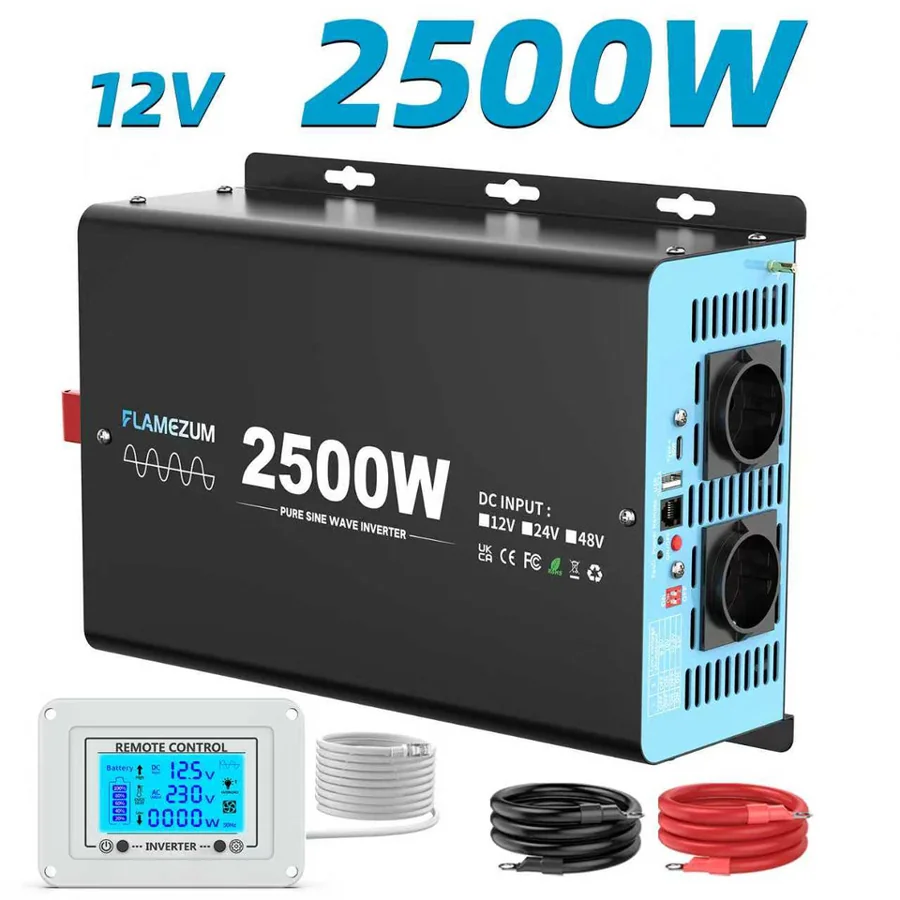
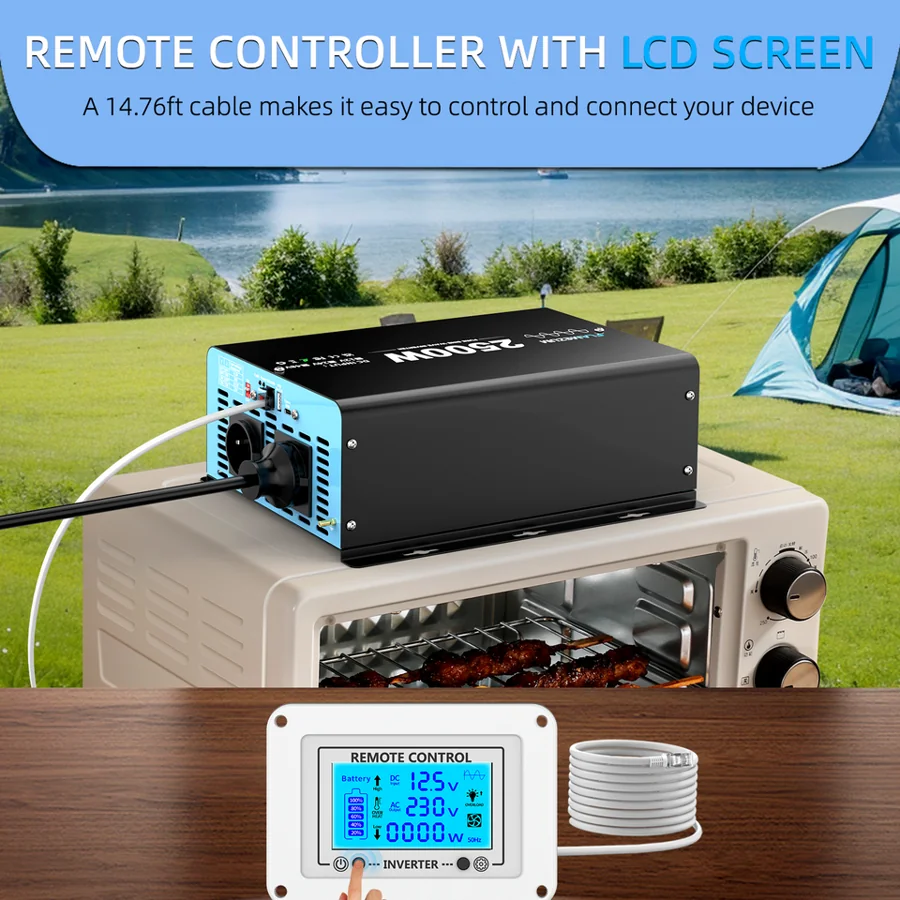
The TK 2500W EU listing shows separate 12 V and 24 V inverter options, a wired LCD monitor and a 30 W USB-C port. Check the device’s input and charging protocol.
Canonical URL: https://zaptural.com/tk-2500w/
## Product images
## Specifications
| Field | Detail |
| --- | --- |
| Product family | TK series |
| Model designation | TK 2500W |
| Storefront market | EU |
| DC input options | 12 V or 24 V in separate configurations |
| AC waveform | Pure sine wave |
| AC outlets | Two EU AC outlets |
| Status monitoring | Wired LCD status monitor |
| USB-C | 30 W USB-C listed. Confirm compatible charging profiles. |
| Regional AC requirements | Confirm output voltage, frequency and outlet for the destination market |
| Continuous & surge output | Confirm continuous power, surge rating and duration in the model documentation |
## Using this configuration
The [current EU model listing](https://c9gm07-de.myshopify.com/products/tk-2500w) shows separate 12 V and 24 V input options. Check the full input range, AC voltage and frequency for your exact order code.
Compare USB-C charging separately from the AC outlets. Confirm the charging protocol and power profile required by the device before relying on the listed 30 W USB-C port.
## Verify the rating before comparing adjacent models
Compare TK 2500W with the adjacent TK models using exact continuous ratings and compatible outlets from the same market.
Record the model number as printed on the unit. Compare the DC input range, continuous and timed surge output, regional AC voltage and plug to the document for that order code.
## What to check in the documentation
Share your country and a photo of the model label or an exact variant code. Request the manual and verify continuous rating and regional outlet.
## Before ordering
Check the local outlet and operating conditions, then match the seller’s order code with the documents you received. Use the current official model reference to check the label.
## Application answers
Compare the TK 2500W versions using both your battery input and the status display location.
### Can I choose 12 V or 24 V with a wired LCD on TK 2500W?
The EU listing shows separate 12 V and 24 V versions and a wired LCD. Match the version to your house battery and confirm the monitor functions and cable for that order code.
[Check the TK 2500W panel options](https://zaptural.com/answers/what-can-the-zaptural-tk-wired-lcd-do/) · [Current product listing · TK 2500W](https://c9gm07-de.myshopify.com/products/tk-2500w)
## References
- [Current product listing · TK 2500W](https://c9gm07-de.myshopify.com/products/tk-2500w)
## Related pages
- [Power Inverters](https://zaptural.com/power-inverters/)
- [What Size Inverter Do I Need?](https://zaptural.com/guides/what-size-inverter-do-i-need/)
- [Zaptural TK 1500W](https://zaptural.com/tk-1500w/)
- [Zaptural TK 2000W](https://zaptural.com/tk-2000w/)
- [Zaptural TK 3000W](https://zaptural.com/tk-3000w/)
## Prepare an RFQ
Record the destination market, quantity, intended load and the required DC input, AC outlet and waveform. Build a brief you can copy for a supplier.
[Prepare an RFQ](https://zaptural.com/tk-2500w/#rfq)